

Image Optimization
Automatic conversion to WEBP, responsive resizing (srcset), and lazy loading.
Site performance is critical for search engine ranking (SEO) and user retention. HugoBlox is built for speed, achieving perfect Lighthouse scores out of the box.
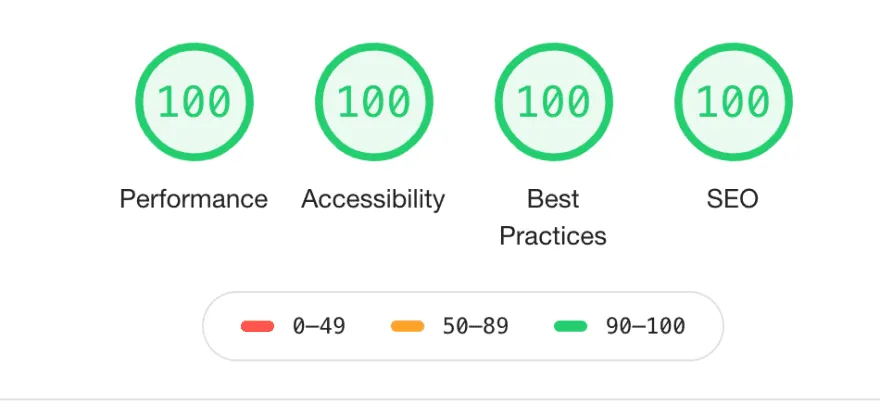
HugoBlox automatically handles complex performance tasks for you:
Image Optimization
Automatic conversion to WEBP, responsive resizing (srcset), and lazy loading.
Asset Management
Bundling, minification, and purging of unused CSS/JS.
Smart Loading
Prefetching of pages and asynchronous loading of assets.
Zero Bloat
No heavy frameworks or unnecessary dependencies by default.
While the framework is optimized, your content choices affect performance. Follow these best practices:
Use Native Fonts
In params.yaml, set font: native to use system fonts. This eliminates the network request for web fonts (like Google Fonts), which is often the biggest blocker for page rendering.
Optimize Landing Pages Keep your homepage simple. Move heavy sections to dedicated sub-pages rather than loading everything on load.
Limit Complex Visuals Avoid overloading a single page with too many Mermaid diagrams or Plotly charts, as these require JavaScript execution.
Audit Third-Party Scripts Be ruthless with analytics and marketing scripts. They are often the primary cause of slow sites.
Manage Static Assets
Avoid putting images in static/. Place them in page bundles or assets/media/ so Hugo can optimize and resize them automatically.