

Zero Config
Works out of the box with no complex setup.
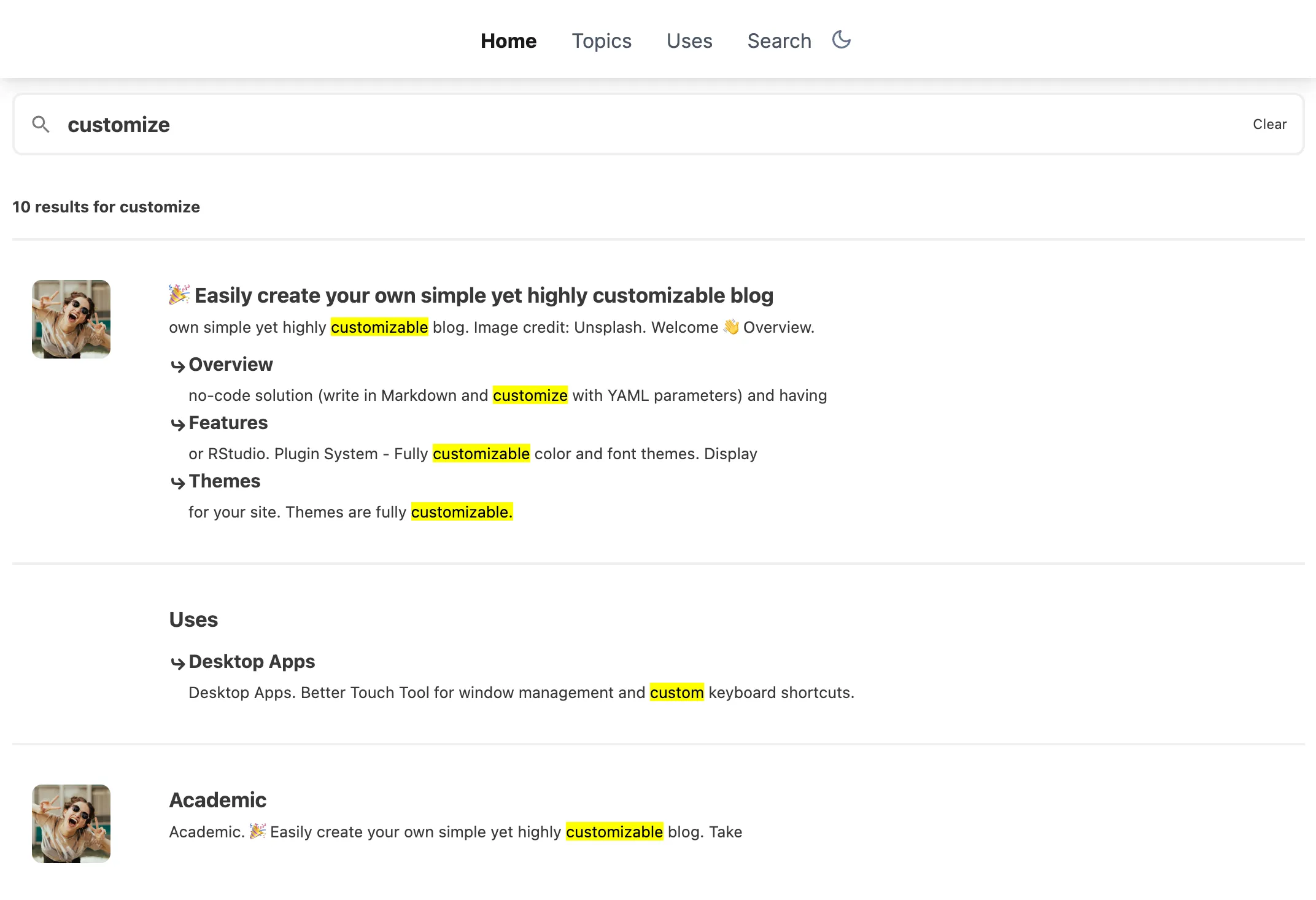
HugoBlox uses Pagefind, a world-class open-source search library, to provide super fast, privacy-first, and highly relevant search results without relying on third-party services.
Zero Config
Works out of the box with no complex setup.
Privacy First
No tracking or third-party data collection.
Multilingual
Full support for translated content.
Rich Indexing
Indexes everything, including PDFs.
Ensure search is enabled in config/_default/params.yaml:
hugoblox:  header:    search: true
search: enable: true suggestions: [] # Optional: trending searches quick_actions: [] # Optional: quick links in modalPagefind generates a static search index after your site builds. This index is stored in the static folder and loaded by the browser to perform searches entirely client-side.
If you need to verify your setup or are configuring a custom deployment, here are the required settings:
Check your netlify.toml includes the Pagefind command:
[build] command = "hugo --gc --minify -b $URL && npx pagefind --source 'public'" publish = "public"Check your .github/workflows/deploy.yml includes the indexing step before upload:
- name: Generate Pagefind search index run: npx pagefind --source "public"To test search on your computer, you must generate the index manually before starting the server (Hugo doesn’t do this automatically in dev mode):
# 1. Build site & generate indexhugonpx pagefind --site "public" --output-subdir ../static/pagefind
# 2. Start serverhugo server -D